Dagelijkse activiteiten
Gezondheids management
Inzichten & Analyse
Over Crono Care Coach
Help & Support
Over Crono Care Coach
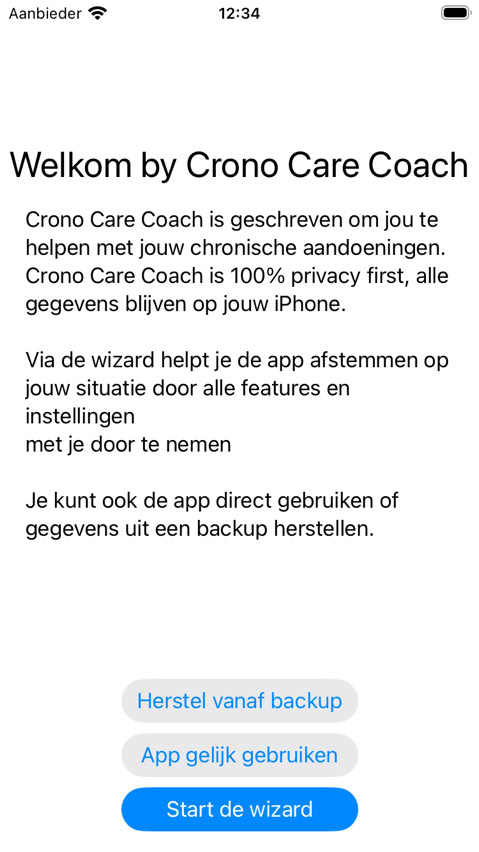
Download Crono Care Coach via the App Store. After opening, you'll be welcomed and given three options: start the wizard to set up the app, start immediately with default settings, or restore a backup if you've used the app before.
When you start Crono Care Coach for the first time, we recommend going through the wizard.
The wizard helps you set up the app for your situation.
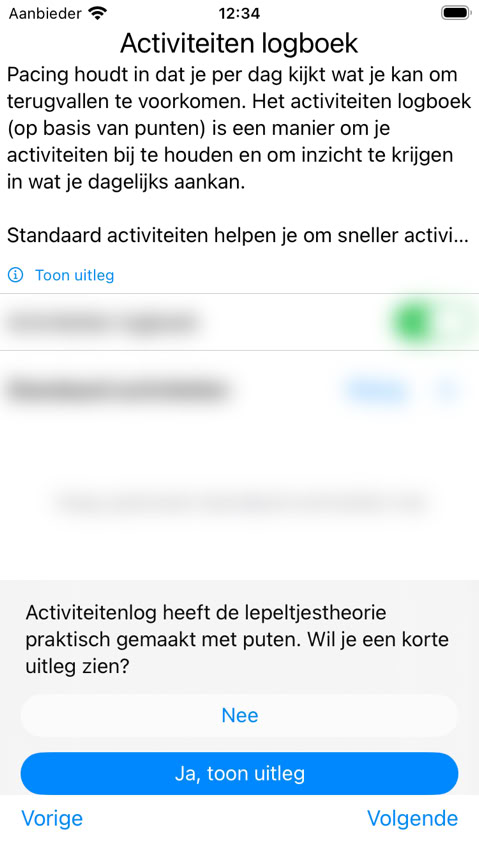
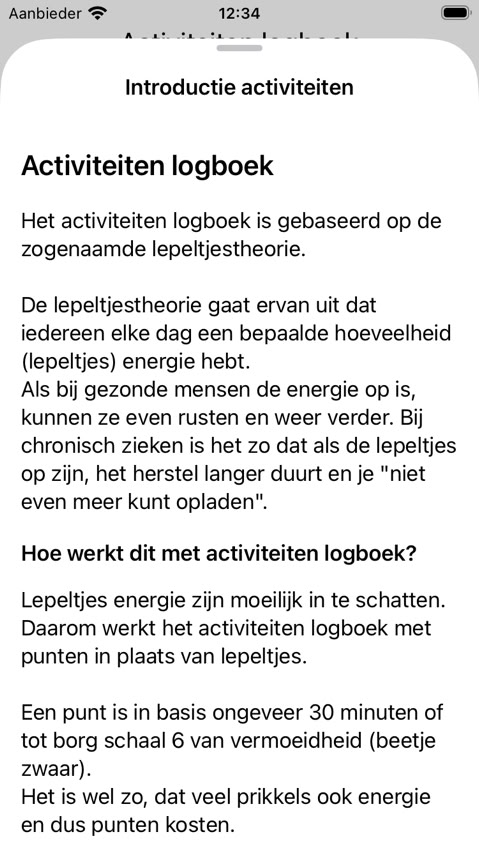
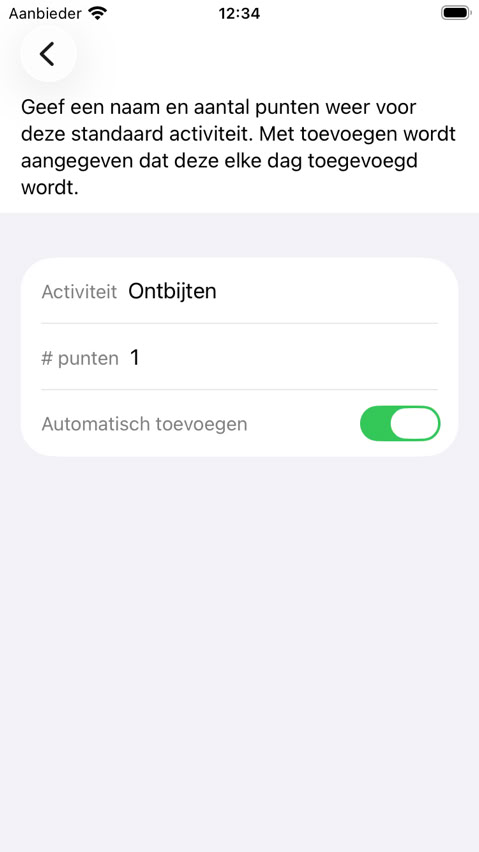
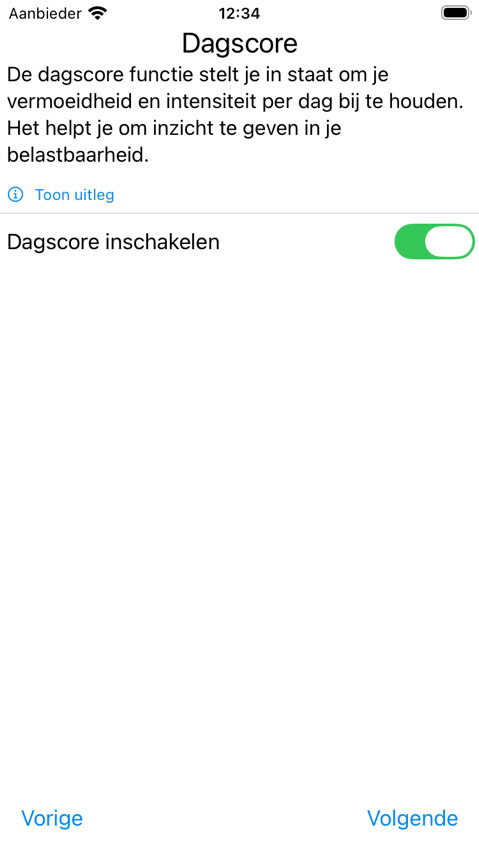
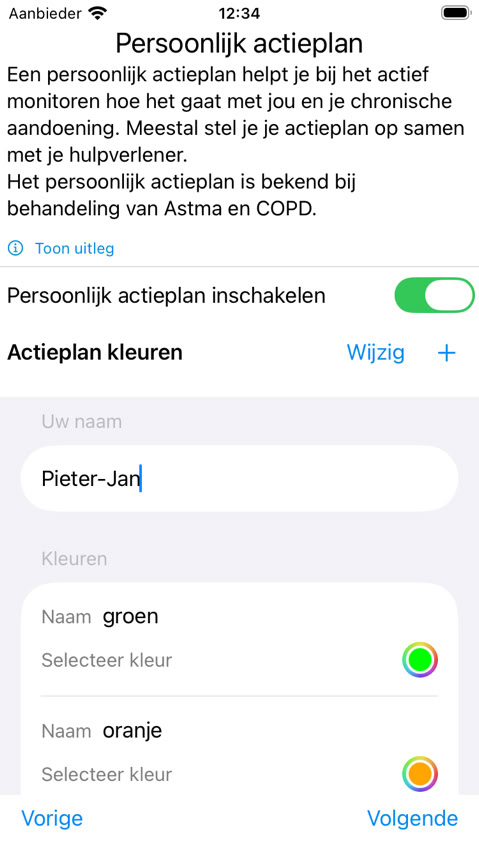
You go through the different features and choose what you want to use. Each step has a "Show info" button for more explanation.
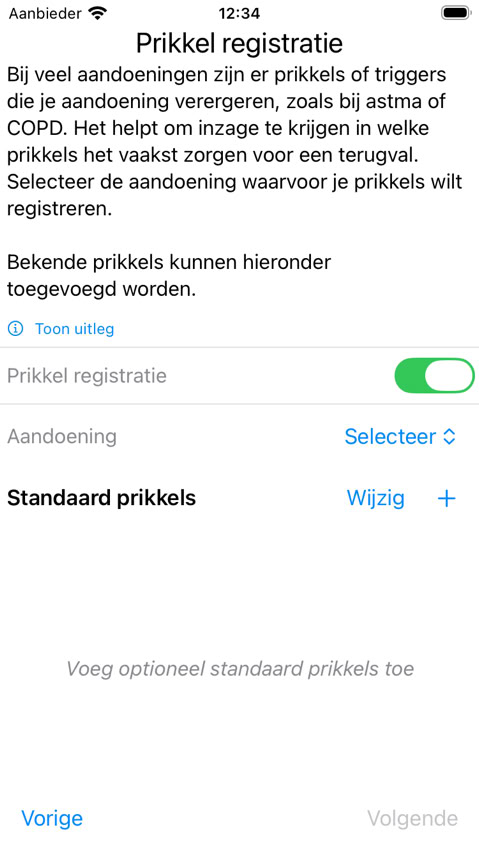
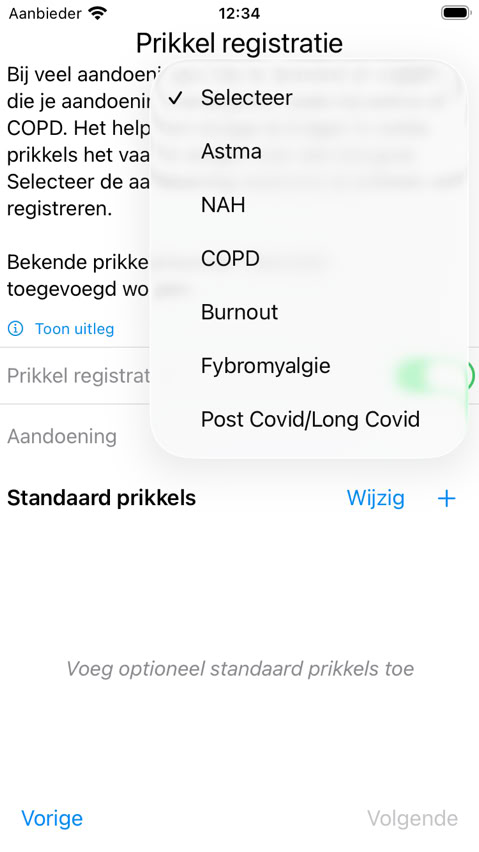
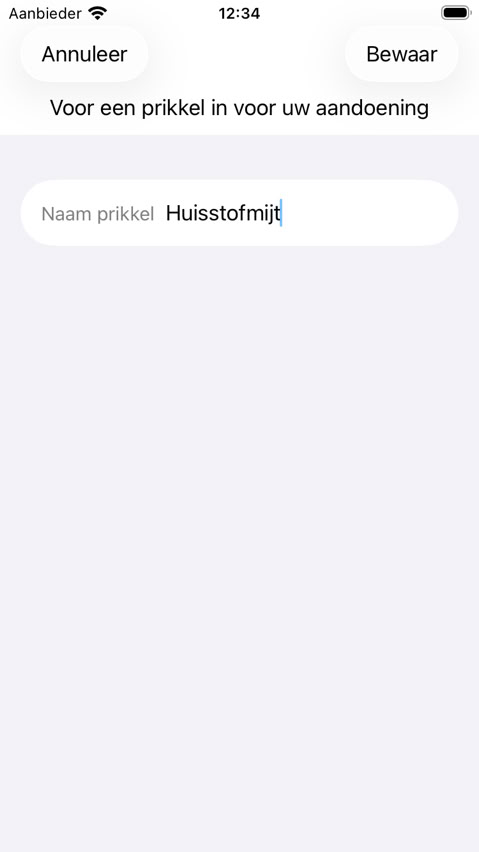
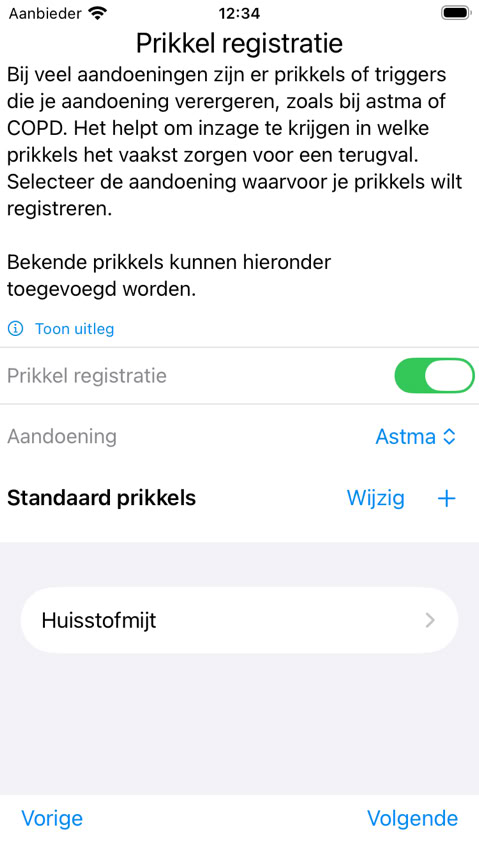
If you choose a subscription (we offer a generous trial period), all features are shown. If you choose the free version, only those features are shown. Below is a brief explanation per feature:
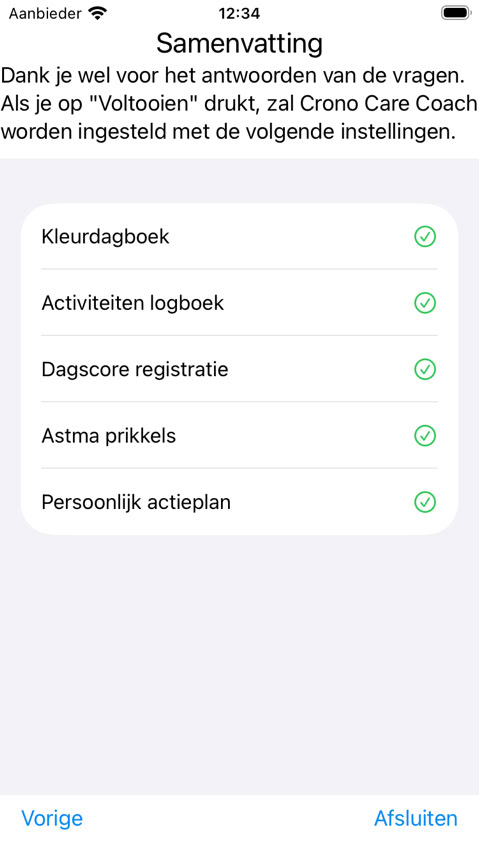
As a final step, the wizard shows a summary of the features, and the app is started.
Day score and personal action plan are always free. The other features are part of a subscription, the premium features. If you've never used Crono Care Coach before, you can try a generous trial period, or restore an existing subscription. Via settings (later in the app) you can always stop or restart the subscription.
You don't have to set everything up perfectly at once. Everything you choose in the wizard can be adjusted later via Settings. Start with what's most important to you and expand when you're ready.
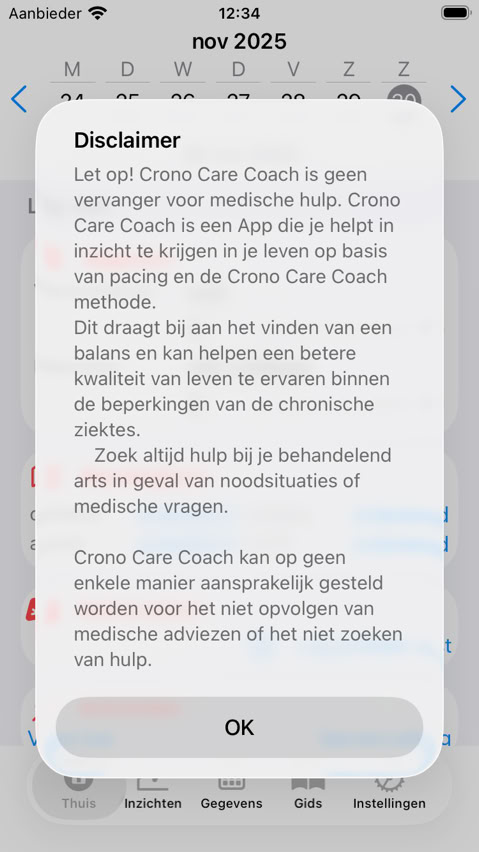
When you've completed the wizard, you'll arrive at the start screen. Here you see the features you've enabled. Start slowly - even just filling in Score your day already gives valuable insights after a few weeks.

This website uses cookies. See our privacy policy for details.